How to Stop AI Images From Adding Text, Nameplates and Labels
You ask for a cute miniature of your ramen bowl and get exactly that — plus a brass nameplate reading “MISO RAMEN COLLECTIBLE No. 001” that you never asked for. Generate again, another nameplate. It feels like the AI is trolling you.
It isn’t. We ran into this exact problem while testing figurine prompts, and the fix turned out to be simple once we understood why it happens.
Why AI Keeps Adding Text You Didn’t Ask For
Image models learn styles from real photos. And real photos of collectibles, figurines, museum pieces and product shots almost always include text: nameplates on bases, labels on boxes, signs in displays. When your prompt says “collectible figurine,” the model doesn’t just borrow the glossy look — it borrows the whole package, nameplate included.
Two things make it worse:
- Trigger words. Words like collectible, museum piece, boxed figure and product packaging are strongly linked to text elements in training data.
- Chat memory. If a previous image in the same conversation had a nameplate, the model treats it as part of the style you want and keeps reproducing it.
The Two-Part Fix
Part 1: Ban the text explicitly
Models don’t treat “I didn’t mention a nameplate” as “no nameplate.” If you don’t want something that the style usually includes, you have to say so directly:
No nameplate, no text, no labels or lettering anywhere in the image.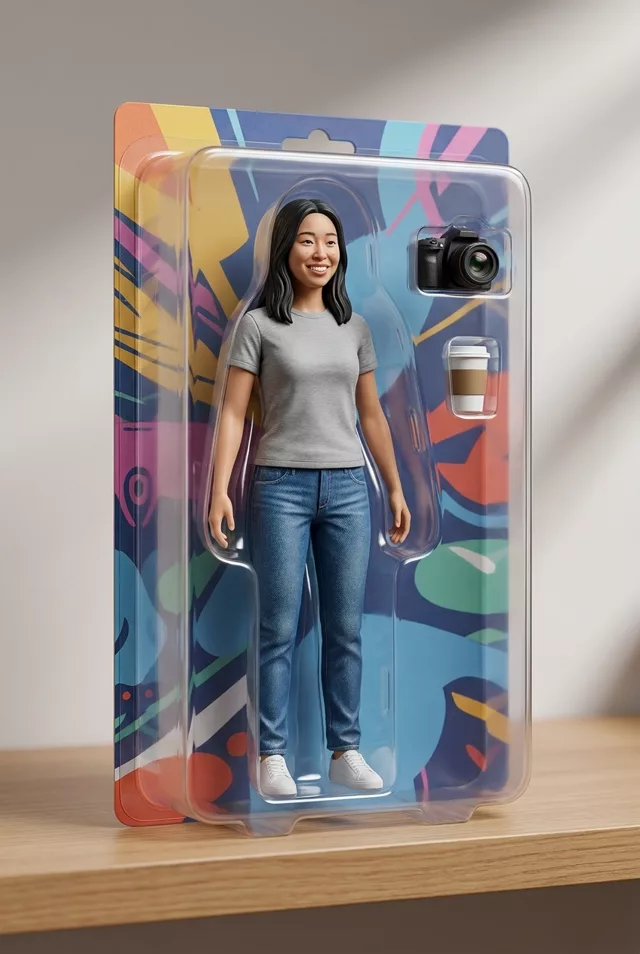
Put this sentence in the middle of your prompt, not buried at the end. In our tests this single line removed the nameplate on the first try.
Part 2: Swap the trigger word
If the text keeps sneaking back, replace the word that invites it. “Collectible figurine” became “miniature hyper-detailed replica” in our working version — same visual result, far weaker association with nameplates and packaging.
Here is the full tested prompt for a food miniature, with both fixes applied:
Turn this dish into a miniature hyper-detailed replica of exactly this bowl,
displayed on a plain small wooden base. No nameplate, no text, no labels or
lettering anywhere in the image. Studio product photography, soft warm lighting,
shallow depth of field. Keep the ingredients and plating exactly as in the photo.
Note the word plain before “wooden base” — it quietly tells the model the base has nothing mounted on it.
Don’t Forget the Fresh Chat
If earlier images in your conversation already had nameplates or captions, start a new chat before regenerating. Old results leak into new ones, and no amount of prompt wording fully overrides what the model thinks the conversation is about. This applies to Gemini and ChatGPT equally.
When You Actually Want Text
Sometimes the nameplate is the charm — a figurine of yourself with your name on the base is half the fun. In that case, control it instead of banning it: specify the exact wording, or the model will invent gibberish. AI models are notoriously bad at spelling text they make up themselves, so “a small brass nameplate that reads ‘Happy Moments’” beats “a nameplate with a nice caption” every time.
You can build both versions — with and without text — in our free prompt generator, or browse ready-made miniature and figurine prompts in the prompt library.
FAQ
Does this work for watermark-style gibberish text too? Mostly yes. Random floating text usually comes from the same training-data association, and the explicit ban plus a fresh chat removes it in most cases. Genuine watermarks on your source photo are a different problem — crop them out before uploading.
Why does the text the AI writes look misspelled? Image models paint letters as shapes, not language, so invented text often comes out as convincing-looking nonsense. If text matters, dictate the exact words.
Do negative instructions hurt image quality? No. One clear negative sentence doesn’t degrade the rest of the image — it just closes off one direction the model would otherwise wander in.